Remember anything,
effortlessly
Smart flashcards with spaced repetition that adapt to how you learn.
6 languages, native‑sounding audio pronunciation.
- Spanish
- French
- Japanese
- German
- Korean
- Dutch

 Coming Soon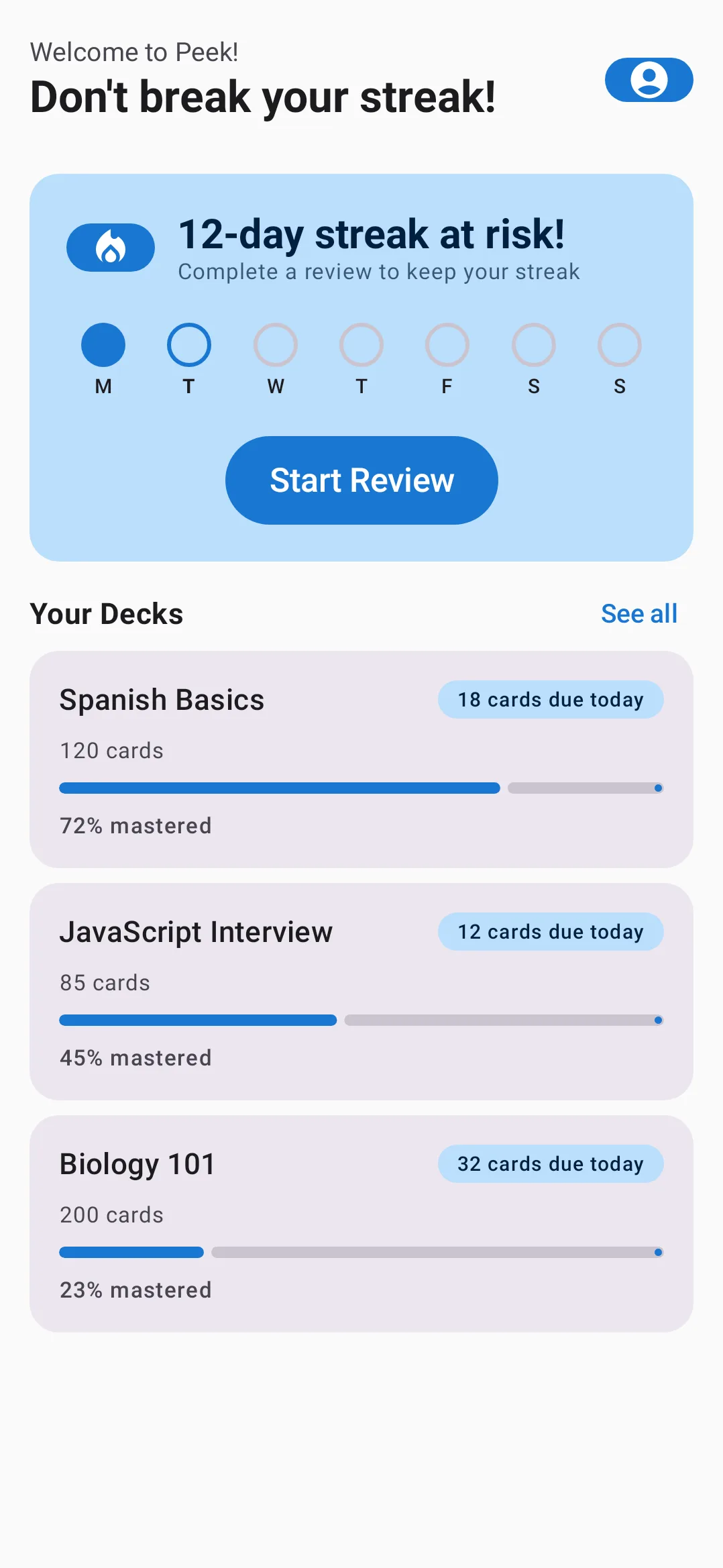
Why Peek?
Spaced Repetition
SRS algorithm adapts to your memorization pace — shows cards right when you start forgetting them
Learn how →Multiple Study Modes
Multiple choice, text input, simple recall — different training methods for better retention
No Sign-Up Required
Start learning immediately — no account needed, create one later when you want
Cloud Sync
Progress saved in the cloud and synced across devices
Android & iOS
Available on Android, coming soon to iOS
Learn 6 languages, one app
From Spanish to Korean — every card comes with native‑sounding audio pronunciation
- Spanish
- French
- Japanese
- German
- Korean
- Dutch
How spaced repetition works
When you learn something new, you forget most of it within a day. Hermann Ebbinghaus mapped this in 1885 — the forgetting curve drops fast, then levels off.
Spaced repetition fights this. You review a card right before you'd forget it. Each successful review pushes the next one further out: 1 day → 3 days → 1 week → 1 month.
If you stumble, the interval resets. The card comes back sooner.
Peek runs this scheduler for you. Cards you find easy drift to the back. Cards you forget keep showing up. Over time, you spend less time per card but remember more — sometimes for years.
This isn't a trick. It's how memory actually works. Learn more on Wikipedia →
Who Peek is for
Travelers
Heading abroad? Learn the words and phrases you actually need — greetings, directions, numbers, food — in the weeks before your trip.
Students
Drill class vocabulary, verb conjugations, and irregular forms. Prep for TOEFL, IELTS, DELF, HSK, or DELE without endless re-reading.
Professionals
Working in a new country or with international clients? Build a daily review habit and keep business vocabulary sharp.
Peek vs Anki vs Quizlet
A fair comparison of the three most common flashcard apps for language learners.
| Feature | Peek | Anki | Quizlet |
|---|---|---|---|
| Spaced repetition (SRS) | ✓ | ✓ | Limited |
| No sign-up required | ✓ | ✓ | ✗ |
| Free cloud sync | ✓ | ✓ | ✓ |
| Multiple study modes | ✓ | ✓ | ✓ |
| Mobile-first design | ✓ | ✗ | ✓ |
| Free on iOS & Android | ✓ | iOS $25 | Freemium |
| Language learning focus | ✓ | General | General |
Honest note: Anki gives power users deeper control — custom scheduling intervals, dense settings, scripting. Peek trades that depth for a clean mobile app built around language learning.
See Peek in action


Frequently asked questions
Is Peek free?
Yes. The Android app is free to download and use, including cloud sync across devices.
How is Peek different from Anki?
Peek is mobile-first and built for language learners. Anki gives power users more control over scheduling and settings, but its iOS app costs $25 and most configuration lives on desktop. Peek is free on both Android and (soon) iOS.
Which languages can I learn with Peek?
Spanish, French, Japanese, German, Korean and Dutch. Every card comes with native-sounding audio pronunciation, so you learn how words actually sound, not just how they are spelled.
Do I need to sign up?
No. You can start using Peek right away without an account. Create one later if you want to sync your decks and progress across devices.
When is iOS coming?
The iOS version is in development. You can pre-order on the App Store to be notified when it launches. We have not set a fixed release date yet.
How does spaced repetition work in Peek?
Each card has a review schedule. If you remember it easily, the next review is pushed further out. If you stumble, the card comes back sooner. Over time, you spend less time on cards you know and more on cards you forget.
Where is my data stored?
On servers located inside the European Economic Area (EEA). Your data never leaves the EEA. You can delete your account and all data from inside the app at any time.
Start learning today
Coming Soon